Readwise for physical books: what exists and what doesn't
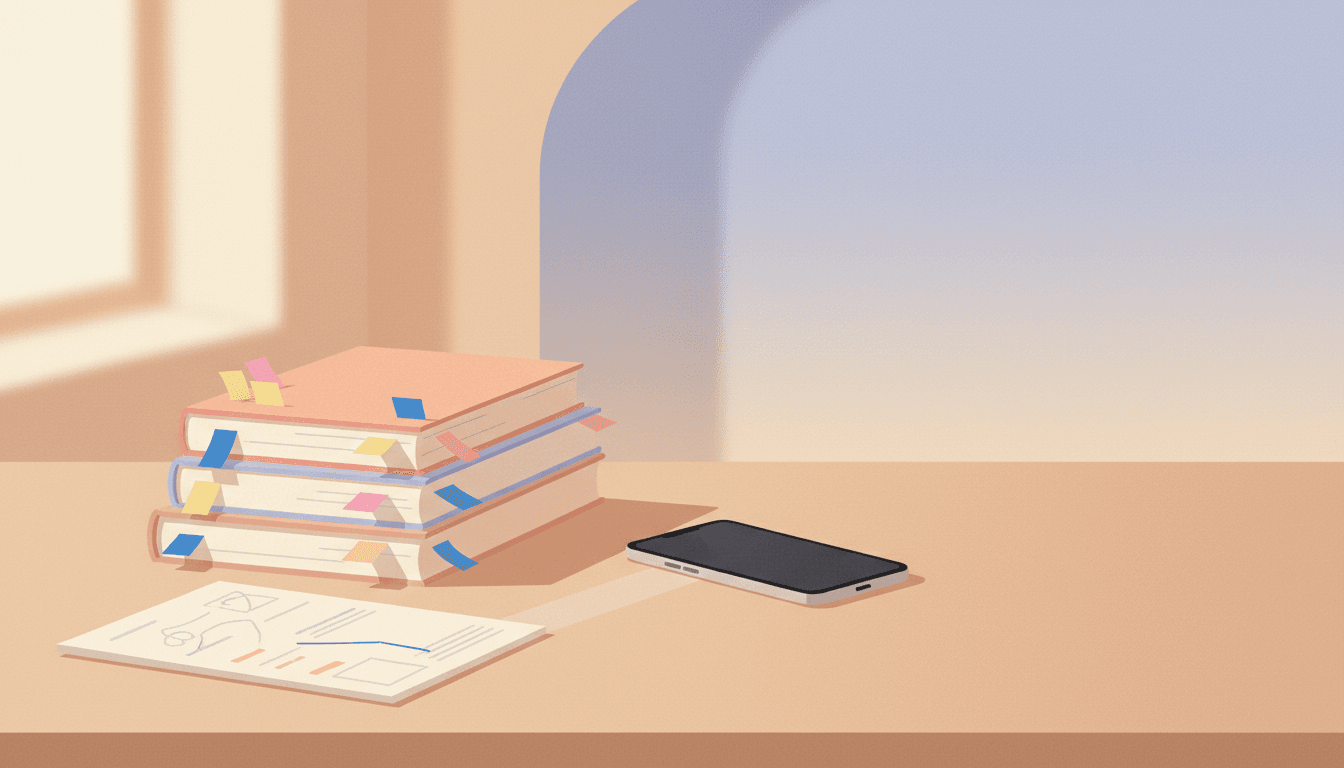
Reading on a Kindle solved a problem I did not fully appreciate until I went back to paper. Every passage I marked was already text, already dated, already sitting in a file I could pull into something else. Then I bought a few physical books again, marked them up properly, and about eight months later realised I could not tell you a single line from any of them. Searching for a Readwise for physical books is what most people do at that point, and the honest answer is more complicated than yes or no.
I read across all three formats now, mostly on an iPad for the colour-coded highlights that back themselves up, sometimes a Kindle, and paper for anything I actually want to sit with. Paper is the one where the notes go nowhere.
What Readwise is built for
Readwise is a highlight aggregator. It connects to the places where your highlights are already text, Kindle chief among them, plus Apple Books, read-later apps and a few others, and it pulls them into one library. Then it emails you a handful each morning to review, which is the part people actually stay for. The reviewing is the product. The syncing is just how it gets fed.
For digital reading this works with almost no effort from you. Highlight on the Kindle, and the passage turns up in your review queue a day later without you doing anything. It is the closest thing to frictionless that reading tooling has managed.
So what about paper?
There is a path, and it is worth knowing about. Readwise's mobile app has let you photograph a page and run text recognition over it for a while now, so you can capture a paper passage without typing it out. You point the camera at the page, it pulls the text off, you trim it down to the bit you wanted and it lands in the same library as everything else.
That is genuinely useful and it is more than most tools offer. It is also where the smoothness stops, because the underlying problem is not text recognition. It is that paper gives you nothing for free.
Where the paper workflow actually breaks
Having done this on and off for about a year, the failures are consistent and none of them are about OCR quality.
- Capture is a separate decision. On a Kindle, highlighting and saving are the same action. On paper you highlight in the moment and then have to choose, later, to go back and photograph it. That second decision is where almost everything dies.
- Photographing a book is genuinely awkward. You are holding a curved page flat with one hand and a phone with the other, usually in bad light, and a hardback in a cafe is a small performance.
- The backlog is the real killer. Ten books with pencil marks in them is not a ten minute job, it is an afternoon, so it never becomes this afternoon.
- You lose the page number and the context unless you add them yourself, and a bare quote with no idea what argument it sat inside is worth much less six months on.
- Nothing tells you what you have not captured. There is no unsynced state on a bookshelf.
Put together, that is why the honest answer to whether Readwise works for physical books is that the software works and the habit usually does not. The tool is fine. The gap it is being asked to cross is bigger than it looks.
On a Kindle, highlighting and saving are the same action. On paper they are weeks apart.
The options, ranked by how likely you are to keep doing them
Typing the passages up by hand is the traditional answer and it is the most reliable capture there is, because you re-read every word as you type it. It is also slow enough that most people manage two books and stop. If you read four or five a year and they matter to you, it is defensible. At twenty books a year it is not.
Photographing pages, whether into Readwise or just into a folder, is the middle option. Fast at the moment of capture, and it moves the work to later rather than removing it. Worth doing if you are disciplined about processing the photos, and photos of pages pile up in a camera roll exactly like everything else does.
Dictating the passage is underrated. Speaking a paragraph into your phone takes about fifteen seconds and you can do it with the book still open in front of you. It is faster than typing and it produces text rather than an image. I do this more than I expected to.
Then a plain database. Mine is in Notion, one row per book with the highlights underneath and a rough note about why I marked each one. The tool is irrelevant. What matters is having somewhere for the passages to land that is not the book itself.
What I actually do now
I mark passages in pencil as I read, and I do not try to capture anything mid-book. Then when I finish, I sit down once with the book and go through the marks in one pass, which takes about twenty minutes. Some get dictated, some get typed, most get dropped, because on the second look maybe a third of what I marked was interesting for that paragraph rather than worth keeping.
That single pass is the part that made the difference. Not the capture method. Deciding once, at a natural boundary, instead of leaving an open obligation that follows the book around for months.
I am also building something in this space, an app called annote, because the review side is the bit nobody has solved for paper. Photograph a highlight, it becomes a card, and the cards come back on a spaced repetition schedule so you actually meet them again. It is not out yet. I mention it because I would rather be upfront that I have skin in this game than pretend I am giving you a neutral survey.
The short version
Readwise can hold your paper highlights and its scan feature makes getting them in less painful than typing. What it cannot do is close the gap between marking a page and doing something about it, because that gap is a habit problem wearing a tooling costume. Pick a capture method you will actually use, then pick a moment where the capture happens, and the moment matters more.
Finishing the book is the best trigger I have found. The book is in your hand, you know what mattered and it will never be that fresh again.
annote
Your paper books, remembered. Snap a highlight and annote turns it into a card you can search and review, so the best lines don't stay trapped on the shelf.

More from the devlog.
Voice memo journaling: what works, and where it quietly falls apart
I used my phone's voice recorder as a journal for a year. Capturing thoughts was easy. Reading them back was where voice memo journaling quietly fell apart, and here is what I do about it now.
How to find the best time to call someone across time zones
The weekly call home kept slipping, and "sorry, did I wake you" got old fast. Here is how I find the best time to call across time zones now, after years of getting it wrong while living abroad.